
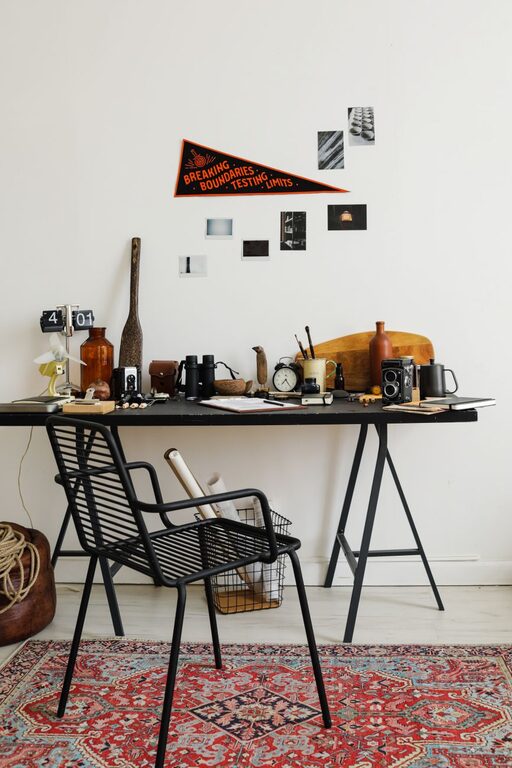
Having a fresh, organized workspace can make a significant difference in your focus and motivation. But when you’re busy, spending hours redecorating or reorganizing isn’t an option. The good news is that you can refresh your workspace in just ten minutes with a few simple steps. Whether you work from home or in an office, these quick tips will help you create a cleaner, more inviting environment that encourages productivity.
Why Refresh Your Workspace?
A tidy and well-arranged workspace helps reduce stress and distractions. It also fosters creativity and increases efficiency by making it easier to find what you need. Even a quick refresh can change how you feel about your work area and set a positive tone for your day.
Step-by-Step Guide to Refresh Your Workspace in Ten Minutes
1. Clear the Surface (3 Minutes)
Start by removing everything from your desk or immediate workspace. This includes papers, pens, gadgets, and personal items. Wipe down the surface with a damp cloth or disinfectant wipe to remove dust and smudges.
– Use a microfiber cloth for best results.
– Don’t forget areas like your keyboard, mouse, and monitor screen.
2. Sort and Declutter (3 Minutes)
Quickly sort through the items you removed. Create three piles:
– Keep: Items you use daily or regularly.
– Store: Items you need but not on your desk.
– Discard: Trash, unnecessary papers, or broken items.
Try to limit what stays on your desk to essentials to keep your workspace feeling open and calm.
3. Organize Essentials (2 Minutes)
Put back the items you need most in an orderly manner. Consider these tips:
– Place frequently used items within easy reach.
– Use small containers or organizers to group similar items like pens, paper clips, or sticky notes.
– Position your computer or monitor centrally to avoid strain.
4. Add a Touch of Green or Personal Flair (1 Minute)
Bring life into your workspace by adding a small plant or a personal item like a photo or artwork. Studies have shown that plants can improve mood and air quality.
– Choose low-maintenance plants like succulents or pothos.
– Keep personal items minimal to avoid clutter.
5. Final Check and Adjust (1 Minute)
Take a moment to glance at your refreshed workspace. Make sure everything feels accessible and comfortable.
– Adjust your chair or monitor height if needed.
– Open a window for some fresh air or turn on a desk lamp for better lighting.
Extra Tips for Maintaining Your Refreshed Workspace
– Set a weekly 10-minute tidy-up: Keeping your area neat is easier with regular maintenance.
– Limit paper piles: Use digital tools to reduce clutter.
– Cable management: Use clips or ties to keep cords organized.
– Keep snacks and drinks away: Prevent spills and crumbs.
– Use a calendar or to-do list: Stay organized and focused on tasks.
Conclusion
Refreshing your workspace doesn’t have to be a lengthy project. With just ten minutes and a clear plan, you can create a more inviting and efficient space that supports your daily work. Try these steps today and enjoy the benefits of a fresh workspace every day!